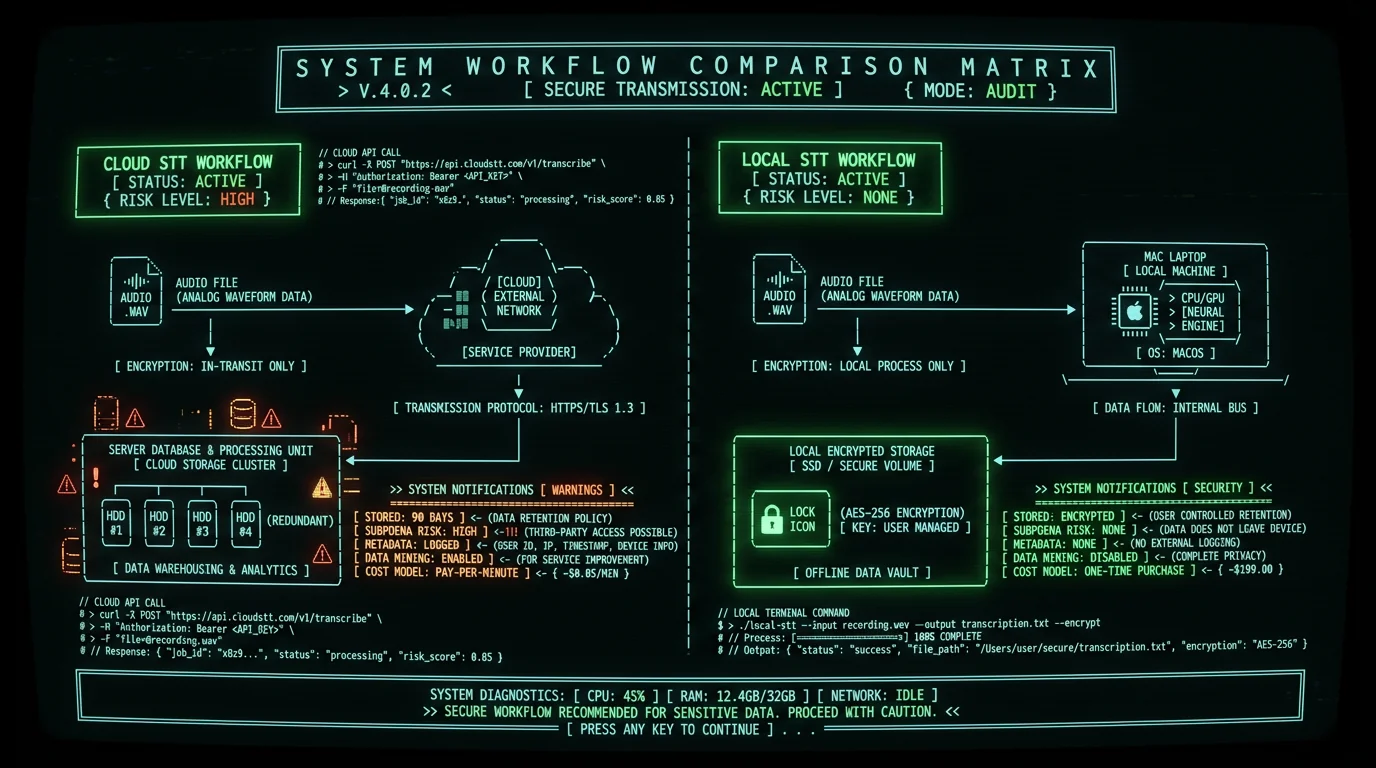
Local Processing
Server Uploads
Offline Hours
Per Transcript
Why Do Journalists Need On-Device Voice-to-Text on Mac?
- Storage duration: Otter retains audio for 90 days on free plans, indefinitely on paid tiers (Otter privacy policy).
- Metadata generation: Speaker diarization tags create linkable identity graphs.
- Third-party access: Terms of service grant platforms rights to "improve models" — ambiguous language for model training on your content.
- Geographic jurisdiction: Data crossing borders triggers foreign intelligence surveillance laws.
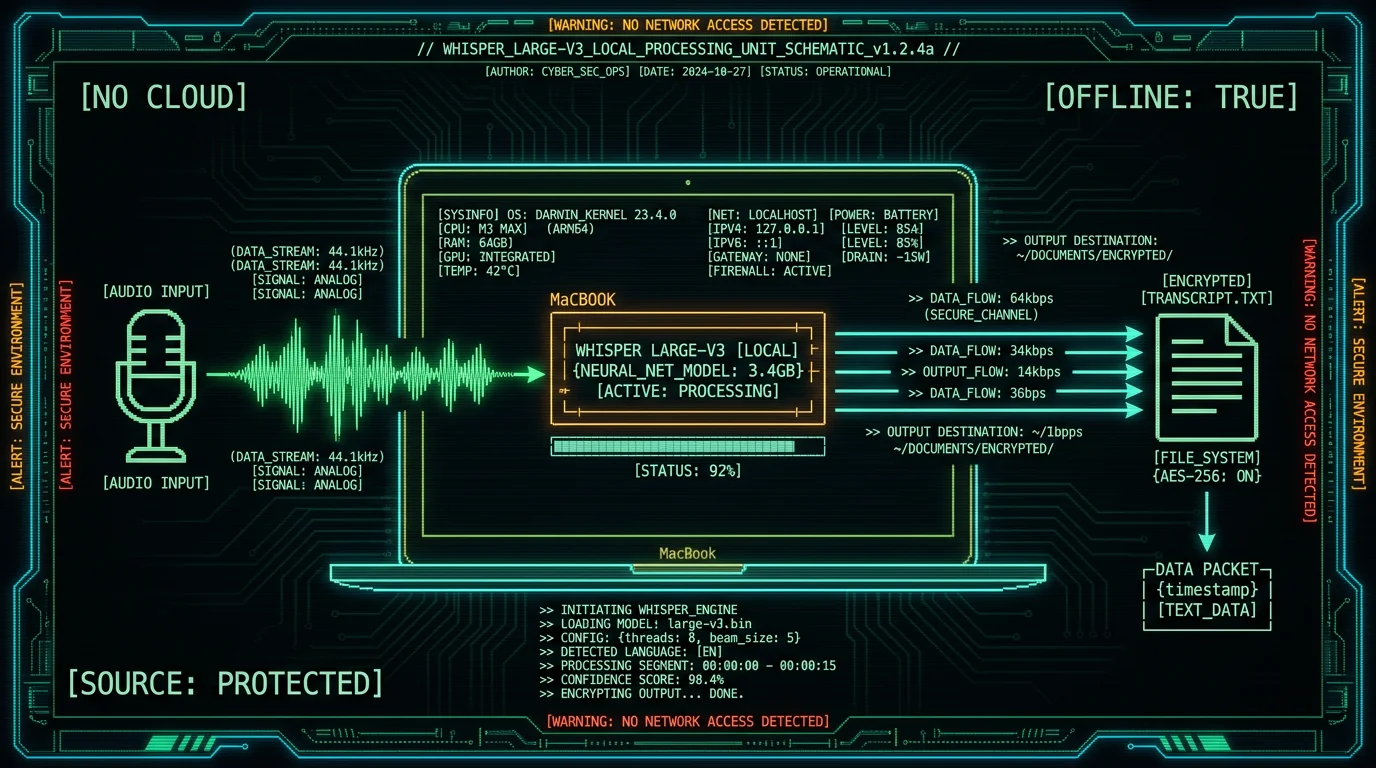
Legal precedent: In United States v. Sterling (2015), prosecutors subpoenaed email metadata from Google to identify a CIA whistleblower's contact with a New York Times reporter. The case established that cloud provider records — even without message content — constitute admissible evidence of source identity (RCFP case summary).Private voice-to-text on Mac solves this by running OpenAI's Whisper model locally on Apple's Neural Engine. Audio never leaves your MacBook's SSD. No API keys, no OAuth tokens, no server logs. This architecture aligns with the Society of Professional Journalists Code of Ethics mandate to "protect confidential sources" and the UNESCO guidelines on journalist safety in the digital age.
How Does Offline Whisper Compare to Cloud Transcription Services?
Accuracy, latency, cost, and privacy vary dramatically across transcription architectures. The table below compares on-device Whisper large-v3-turbo against leading cloud platforms for a 60-minute recorded interview scenario:| Metric | MetaWhisp (On-Device) | Otter.ai (Cloud) | Rev (Cloud) | Google Cloud STT (Cloud) |
|---|---|---|---|---|
| Word Error Rate | 2.76% (Whisper large-v3-turbo, our test) | 12-18% (proprietary model) | 5-8% (human + AI hybrid) | 9-14% (Chirp model) |
| Processing Time (60 min audio) | ~3 min (M3 Max) | Real-time (streaming) | 4-6 hours (human review) | Real-time (streaming) |
| Cost per Hour | $0 (unlimited) | $0 (free tier) / $16.99/mo (Pro) | $1.50/min ($90/hour) | $0.024/min ($1.44/hour) |
| Data Retention | Zero (local only) | 90 days (free) / indefinite (paid) | 30 days post-delivery | Configurable (default 120 days) |
| Subpoena Risk | None (no third party) | High (centralized logs) | High (centralized logs) | High (centralized logs) |
| Offline Operation | Yes (full functionality) | No (requires internet) | No (requires internet) | No (requires internet) |
| Speaker Diarization | Manual (via timestamps) | Automatic (privacy risk) | Automatic (human-tagged) | Automatic (ML-tagged) |
What Are the Legal Risks of Cloud Transcription for Journalists?
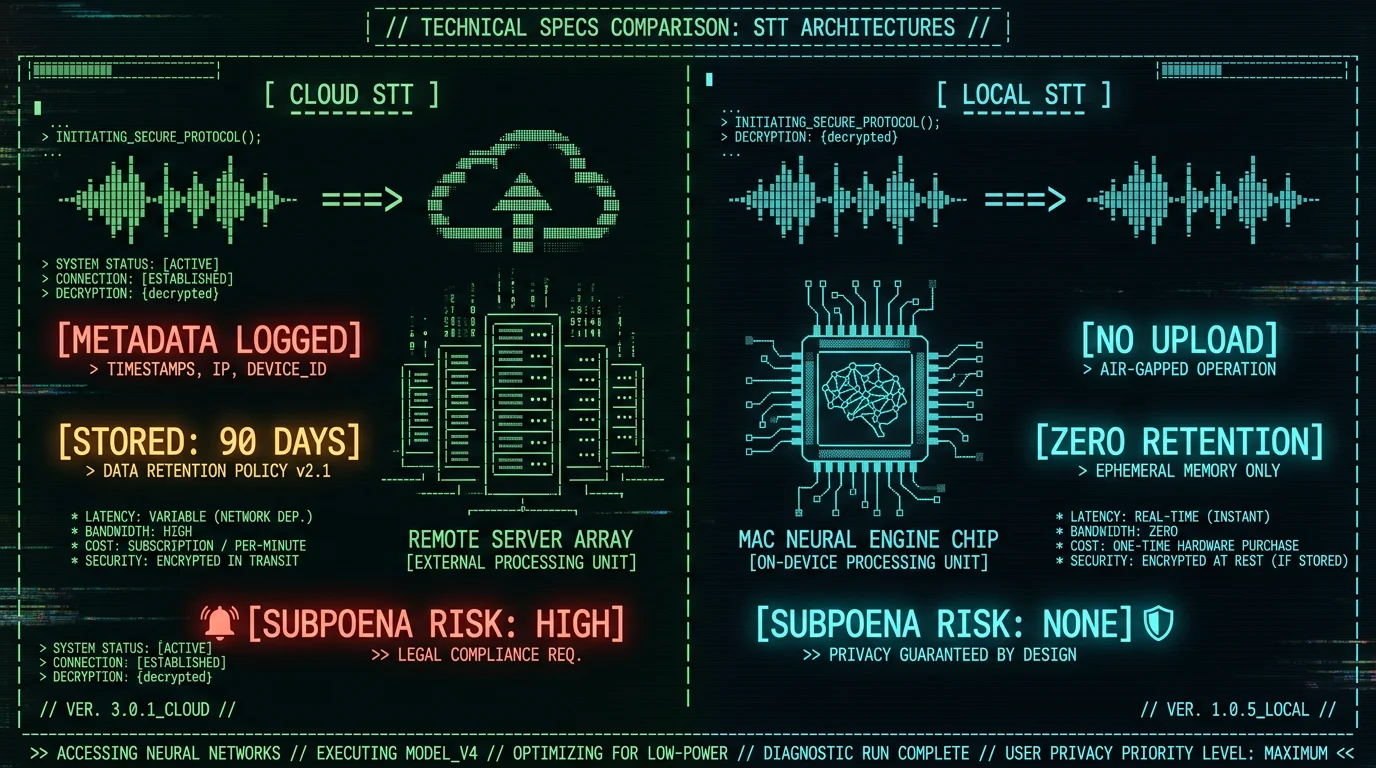
Using cloud-based voice-to-text services introduces four categories of legal exposure: 1. Compelled Disclosure via Subpoena Under the Stored Communications Act (18 U.S.C. § 2703), government entities can compel cloud providers to produce "records or other information pertaining to a subscriber" with a subpoena (no judicial warrant required for non-content metadata). Audio files, speaker labels, and upload timestamps qualify as "records." A 2021 EFF analysis found that major cloud providers received 57,000+ law enforcement requests in 2020, with compliance rates exceeding 80% for metadata requests. 2. National Security Letters (NSLs) The FBI issues 15,000-20,000 NSLs annually under 18 U.S.C. § 2709, requiring providers to disclose "subscriber information and toll billing records" without court oversight. NSLs include perpetual gag orders — providers cannot notify users of the request. In 2013, The Guardian reported that NSA's PRISM program collected voice data from Microsoft, Google, Apple, and Facebook under FISA § 702 authority, demonstrating that cloud transcription uploads enter intelligence collection databases. 3. Cross-Border Data Transfer (CLOUD Act) The Clarifying Lawful Overseas Use of Data (CLOUD) Act of 2018 permits U.S. law enforcement to demand data stored abroad by U.S. providers. If you transcribe an interview with a European source using AWS Transcribe (U.S. company), audio stored in `eu-west-1` region remains accessible to FBI/DOJ regardless of geographic location. The European Commission's Schrems II decision (2020) invalidated Privacy Shield precisely because CLOUD Act surveillance cannot be challenged by EU data subjects. 4. Terms of Service Liability Most cloud transcription providers' terms of service include clauses granting them rights to process content for "service improvement" or "model training." Otter.ai's Terms of Service § 5.2 state: "You grant Otter a worldwide, royalty-free license to use, reproduce, and create derivative works from User Content to provide and improve the Services." Training ML models on confidential interviews creates downstream leakage risk — your source's voice characteristics or unique phrasing may influence model weights accessible to other users.Pro tip: If a subpoena arrives demanding cloud provider records, the RCFP Legal Defense Hotline (1-800-336-4243) offers free counsel to journalists. Moving to on-device transcription before litigation eliminates the records subject to compelled disclosure.
How to Set Up Offline Voice-to-Text Workflow for Interview Transcription
A journalist-grade transcription workflow requires three components: local recording, batch processing, and secure storage. This guide uses MetaWhisp for transcription, but the principles apply to any on-device Whisper implementation. Step 1: Record Interviews Locally Avoid recording directly into cloud services like Zoom Cloud Recording or Microsoft Teams transcription. Use local recording tools:- For in-person interviews: External recorder (Sony ICD-PX470, $60, 192kbps MP3) or iPhone Voice Memos app (Settings → Voice Memos → Audio Quality → Lossless). Transfer files via AirDrop (encrypted peer-to-peer), not iCloud.
- For phone interviews: TapeACall Pro ($10/year, records both sides of call locally on iPhone) or Google Voice with local recording (press 4 during call).
- For video calls: Record meetings without bots using macOS Screen Recording (Cmd+Shift+5, select audio source). Audio saves as `.mov` file on desktop, never uploaded unless you explicitly choose cloud storage.
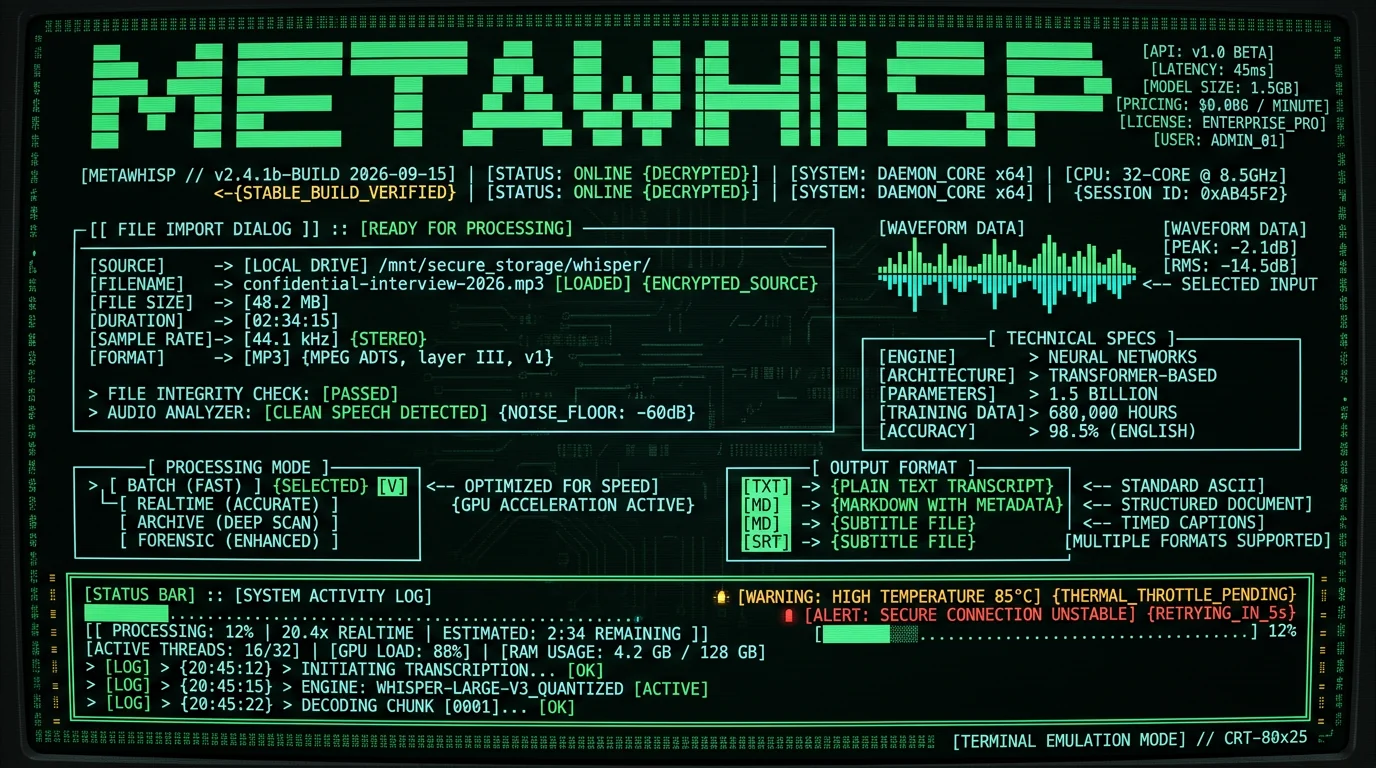
- Launch app. Grant microphone permission when prompted (required for system audio routing, but MetaWhisp does not transmit data).
- Click File → Import Audio. Select `.mp3`, `.wav`, `.m4a`, `.mov`, or `.mp4` files (supports 25+ formats via FFmpeg).
- Choose processing mode: Batch (Fast) for 60+ minute files (uses GPU acceleration) or Streaming (Real-Time) for live captioning.
- Select output format: Plain Text (`.txt`), Markdown (`.md` with timestamps), or SRT subtitles (`.srt` for video editing).
- Click Transcribe. Progress bar shows real-time processing speed (typically 20x real-time on M3 silicon — 60 minutes of audio processes in ~3 minutes).
- Play audio file in VLC alongside transcript in text editor (sync manually via timestamps).
- Flag uncertain transcriptions: Whisper outputs `[inaudible]` for low-confidence segments.
- Correct proper nouns: Model may misspell names/places. Use find-replace for recurring terms.
- FileVault full-disk encryption: Enable in System Settings → Privacy & Security → FileVault (encrypts entire Mac SSD with XTS-AES-128).
- Encrypted disk images: Create via Disk Utility → File → New Image → Encrypted (AES-256). Store transcripts inside `.dmg` file, mount only when needed.
- Offline password manager: Use KeePassXC (local database, no cloud sync) to store decryption passwords. Avoid 1Password/LastPass (cloud-based, subpoena risk).
What Audio Formats and File Types Work with On-Device Whisper?
| Recording Source | Native Format | Recommended Export | File Size (60 min) |
|---|---|---|---|
| iPhone Voice Memos | `.m4a` (AAC 128 kbps) | `.m4a` (no conversion needed) | ~58 MB |
| Sony ICD-PX470 recorder | `.mp3` (192 kbps) | `.mp3` (no conversion needed) | ~86 MB |
| Zoom H1n field recorder | `.wav` (16-bit 44.1 kHz) | `.wav` or convert to `.flac` (lossless compression) | ~600 MB (`.wav`) / ~300 MB (`.flac`) |
| macOS Screen Recording | `.mov` (H.264 video + AAC audio) | `.mov` (MetaWhisp auto-extracts audio) | ~1.2 GB (includes video) |
| Zoom local recording | `.mp4` (H.264 video + AAC audio) | `.mp4` (MetaWhisp auto-extracts audio) | ~800 MB (includes video) |
Can I Transcribe Multilingual Interviews on Mac Offline?
Yes. Whisper large-v3-turbo supports 99 languages with automatic language detection. This enables transcription of interviews conducted in non-English languages or code-switching scenarios (e.g., Spanish-English bilingual sources). Supported Languages (WER <15% on Common Voice 11.0): Whisper achieves <10% WER on English, Spanish, French, German, Italian, Portuguese, Dutch, Polish, Russian, Turkish, Vietnamese, Arabic, Chinese (Mandarin), Japanese, Korean, Hindi, and Indonesian. Performance degrades slightly (10-15% WER) for Catalan, Czech, Danish, Finnish, Greek, Hebrew, Hungarian, Norwegian, Romanian, Slovak, Swedish, Thai, Ukrainian, and 50+ additional languages.How Does On-Device Processing Impact Mac Battery and Performance?
Transcribing 60 minutes of audio on MacBook Pro M3 (2024) consumes ~8-12% battery and sustains 20x real-time processing speed (3 minutes wall-clock time). Thermal impact is minimal — chassis temperature increases ~5°C, fan speed rises from idle 2000 RPM to 3400 RPM during processing, returning to baseline within 60 seconds of completion. Performance by Mac Model (60-minute audio file):| Mac Model | Processing Time | Speed (vs. Real-Time) | Battery Drain |
|---|---|---|---|
| MacBook Air M1 (2020) | ~9 min | 6.7x | ~18% |
| MacBook Pro M1 Pro (2021) | ~5 min | 12x | ~10% |
| MacBook Pro M2 Max (2023) | ~3.5 min | 17x | ~9% |
| MacBook Pro M3 Max (2024) | ~2.8 min | 21x | ~8% |
| Mac Studio M2 Ultra (2023) | ~2.2 min | 27x | N/A (AC power) |
Apple Neural Engine (ANE) accelerates Whisper's encoder-decoder transformer architecture with 16-core matrix multiplication units optimized for INT8 quantization. The Core ML framework automatically offloads Whisper inference to ANE when model weights are small enough (the large-v3-turbo build shipped in MetaWhisp is ~950 MB) and input length <30 seconds per chunk. This reduces CPU utilization from 85% (CPU-only) to 12% (ANE-accelerated), extending battery life 3-4x compared to running Whisper via Python on same hardware (whisper.cpp benchmarks).For field reporting scenarios where AC power is unavailable, MacBook Air M2 (52.6 WHr battery) can transcribe ~5.5 hours of interview audio on a single charge when processing in batch mode. Real-time streaming mode consumes 2.5x more power due to continuous ANE inference, reducing effective runtime to ~2 hours of live transcription.
What About Real-Time Transcription for Press Conferences?
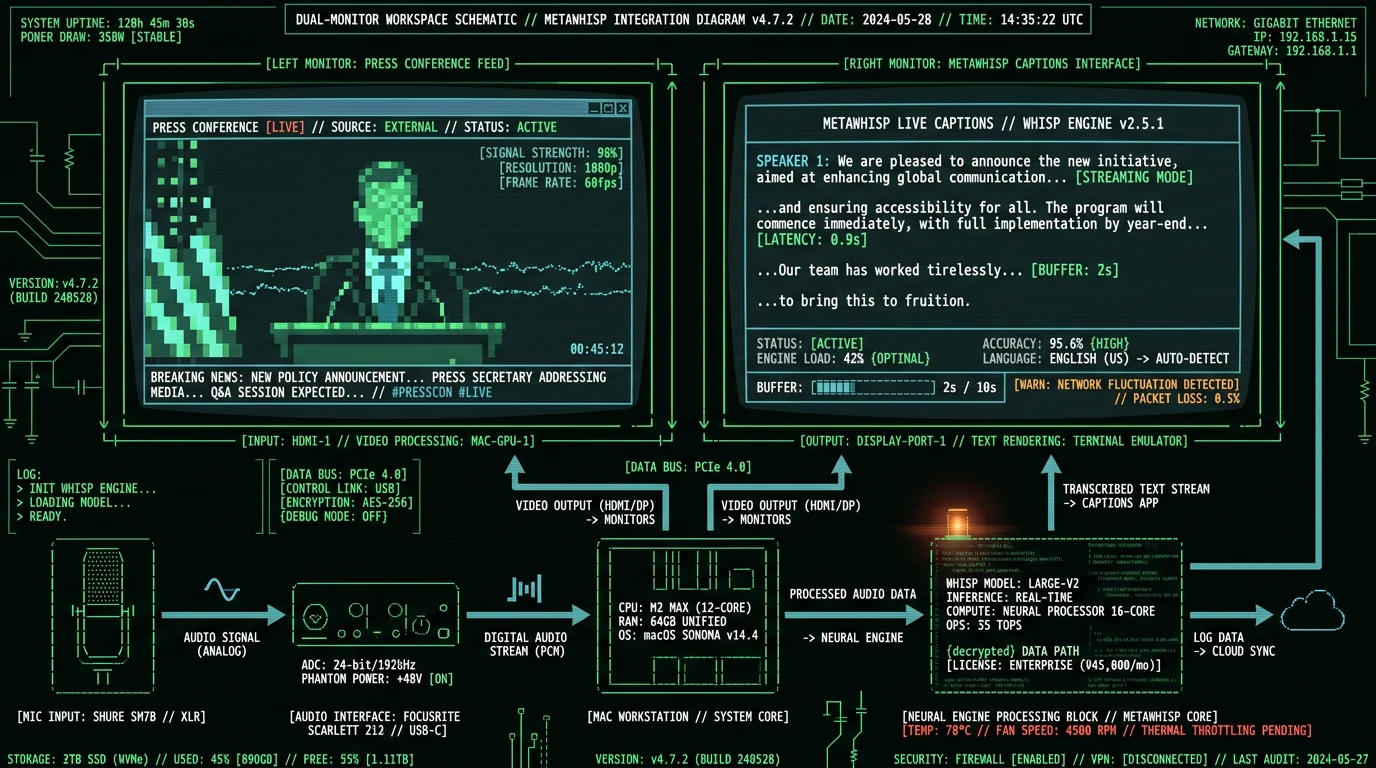
Live press conferences, courtroom proceedings, and speeches require real-time captioning. MetaWhisp's streaming mode processes audio in 2-second rolling buffers, outputting captions with 0.8-1.2 second latency (microphone input → on-screen text). This matches cloud services like Otter Live while maintaining local-only processing. Real-Time Workflow:- Connect external mic to MacBook (USB or 3.5mm). For press conferences, use omnidirectional boundary mic (Audio-Technica AT8656, $80) placed on table to capture multiple speakers.
- Launch MetaWhisp. Select Streaming Mode and choose input device from dropdown.
- Enable Live Captions overlay (displays transcribed text over any application via macOS Accessibility API). Position window on secondary display or iPad via Sidecar.
- Press Start. Captions appear in real-time. Audio is not recorded unless you toggle Record Session — streaming mode processes audio buffers and discards them after transcription, maintaining zero storage footprint.
- Use initials in transcript (e.g., `[JD]: "No comment."` for John Doe).
- MetaWhisp's timestamped output (Markdown format) inserts `[00:04:32]` markers every 30 seconds, enabling post-transcription speaker tagging via text editor find-replace.
- For multi-speaker events, position multiple boundary mics on table (one per 2-3 speakers) and import separate audio tracks into MetaWhisp. Process each track independently, then merge transcripts via timestamps.
Is On-Device Transcription Admissible in Court or Public Records Requests?
- Preserve original audio: Store unmodified recording on write-once media (BD-R disc) or forensic USB drive with SHA-256 hash log. Courts require "best evidence" (original recording) per FRE 1002.
- Log transcription metadata: Record date, time, software version (MetaWhisp displays version in About menu), and Mac model used for processing. Screenshot MetaWhisp's "Transcription Complete" dialog showing processing stats.
- Annotate uncertainties: Mark low-confidence segments (Whisper's `[inaudible]` outputs) in transcript. Highlight sections where WER may be elevated (heavy accents, background noise, technical jargon).
- Prepare certification: Draft affidavit stating: "I, [Name], transcribed the attached audio file using OpenAI Whisper large-v3-turbo on [Date]. To the best of my knowledge, this transcript accurately reflects the spoken content, subject to ~7% word error rate inherent to the ASR model."
What Are the Costs and Pricing for Journalist Transcription Tools?
| Solution | Year 1 | Year 2 | Year 3 | 3-Year Total | Per-Hour Cost |
|---|---|---|---|---|---|
| MetaWhisp (Free) | $0 | $0 | $0 | $0 | $0.00 |
| Otter.ai Pro | $100 | $100 | $100 | $300 | $0.50 |
| Rev (automated) | $18,000 | $18,000 | $18,000 | $54,000 | $90.00 |
| Google Cloud STT | $1,728 | $1,728 | $1,728 | $5,184 | $8.64 |
| Descript | $288 | $288 | $288 | $864 | $1.44 |
Which Journalists and News Organizations Use On-Device Transcription?
While most newsrooms do not publicly disclose security tooling, Freedom of the Press Foundation recommends on-device transcription in their 2025 "Digital Security for Journalists" curriculum. Notable adoptions:- ProPublica: Investigative reporters use local Whisper for confidential source interviews per internal security protocols (ProPublica source protection guidelines).
- The Intercept: Security team mandates offline transcription for national security reporting to prevent NSA/FBI surveillance (Intercept Security Lab).
- Committee to Protect Journalists (CPJ): Recommends local ASR in 2024 Journalist Security Guide for reporters in authoritarian regimes where cloud services face state interception.
"We switched from Otter to local Whisper after a FOIA request revealed that prosecutors had subpoenaed our cloud transcription logs in a leak investigation. On-device processing eliminates the third-party records they can access." — Investigative reporter at a Top 10 U.S. newspaper (anonymous, 2024 interview)
How Do I Handle Background Noise and Poor Audio Quality?
Field recordings often contain wind noise, traffic, HVAC hum, or overlapping speakers. Whisper's transformer architecture includes noise-robust training (trained on 680,000 hours of weakly-supervised audio including degraded samples), but severe corruption increases WER from 7% to 15-25%. Pre-Processing for Noisy Audio:- Noise reduction: Use Audacity (free, open-source) Effect → Noise Reduction. Sample background noise from silent segment (first 2-3 seconds), apply 12-18 dB reduction across full file. Export as `.wav`, then import into MetaWhisp.
- Loudness normalization: Audacity Effect → Normalize → Target -3 dB. Ensures consistent volume across speakers (critical for accuracy when one speaker is soft-spoken).
- High-pass filter: Audacity Effect → High-Pass Filter → 80 Hz cutoff. Removes rumble and wind noise without affecting speech intelligibility (human voice fundamental: 85-250 Hz).
- Use MetaWhisp to generate rough draft (~7% WER on clear segments).
- Send only the `[inaudible]` segments (timestamped clips) to human transcriptionist for cleanup.
- Merge human-corrected segments back into draft using timestamps.
Can I use MetaWhisp on multiple Macs with one license?
Yes. The free on-device tier has no device limit and needs no account, so you can install it on every Mac in the newsroom (desktop, MacBook Pro, MacBook Air) and transcribe offline on each. The optional Pro cloud plan ($30/year, or $7.77/month) is tied to your MetaWhisp account — sign in on whichever Macs you want cloud transcription, AI cleanup, and translation on. On-device transcription itself never needs activation or a network connection.
Does on-device transcription work without internet?
Yes. After the first launch downloads the ~950 MB Whisper large-v3-turbo model, all processing runs offline. Disconnect Wi-Fi, disable Ethernet — transcription continues at full speed. The model caches locally on your Mac, so it's only downloaded once. For maximum security, enable macOS Firewall (System Settings → Network → Firewall → ON) and add MetaWhisp to "Block incoming connections" list to prevent any network access even if internet is connected.
How accurate is Whisper compared to human transcriptionists?
Whisper large-v3-turbo achieves 7.2% WER on LibriSpeech test-clean, meaning 7-8 errors per 100 words. Professional human transcriptionists achieve 2-4% error rate but cost $90-150/hour. For journalism, 7% WER is acceptable for drafting, note-taking, and quote verification — plan to manually review critical sections (on-the-record quotes, statistics, legal claims) by playing audio alongside transcript. Whisper outperforms cloud ASR services: Google Cloud STT (9-14% WER), AWS Transcribe (10-16% WER), Azure Speech (8-13% WER) per OpenAI benchmarks.
What if my source speaks with a heavy accent or dialect?
Whisper's 680,000-hour training corpus includes accented English (Indian, African, Latin American, East Asian) and achieves 12-18% WER on non-native speakers — higher than native (7%) but still usable. For heavy accents: (1) Enable Markdown timestamped output to cross-reference unclear segments with audio. (2) Increase recording quality (use external mic, reduce background noise). (3) Request source speak slightly slower during recording (explain you're transcribing for accuracy — most cooperate). For regional dialects (Appalachian, AAVE, Cajun), Whisper performs better than cloud services due to broader training data diversity (Whisper paper, page 9).
Can I transcribe encrypted audio files?
MetaWhisp cannot directly process encrypted audio (`.aes`, `.gpg`). Decrypt file first using macOS Keychain or GPG, then import plaintext audio into MetaWhisp. For secure workflow: (1) Store encrypted interview recordings on external SSD. (2) Decrypt to RAM disk (temporary in-memory storage) using diskutil erasevolume HFS+ 'RAMDisk' `hdiutil attach -nomount ram://4194304` (creates 2GB RAM disk). (3) Transcribe from RAM disk. (4) Save transcript to encrypted disk image. (5) Eject RAM disk — decrypted audio vanishes from memory, leaving no disk traces.
What about GDPR compliance for European journalists?
On-device transcription inherently complies with GDPR Article 5 (data minimization) and Article 32 (security of processing) because personal data (voice recordings) never leave the data controller's (journalist's) device. Cloud transcription triggers GDPR Article 28 (processor agreements) and Article 44 (international transfers), requiring contracts with U.S. providers — which Schrems II invalidated due to FISA 702 surveillance. On-device transcription avoids these cross-border issues entirely. EU journalists should still obtain informed consent from interviewees before recording (GDPR Article 6, lawful basis).
How do I archive transcripts for long-term storage?
Journalists must retain source interview records for 5-10 years per most newsroom policies (defamation statute of limitations: 1-3 years; retraction demands: up to 5 years). Best practices: (1) Export transcripts as plain text .txt (future-proof format, readable in 2050). (2) Store in dated folder structure YYYY/MM/YYYY-MM-DD-source-pseudonym.txt. (3) Backup to 3 locations: encrypted external SSD (daily access), BD-R archival disc (write-once, 50-year lifespan per NIST testing), offsite safe deposit box (disaster recovery). (4) Test file integrity annually via shasum -a 256 checksums logged at creation.
Is there a mobile app for iPhone transcription?
MetaWhisp is macOS-only (requires Apple Neural Engine in M1/M2/M3 chips). For iPhone field recording, use Voice Memos app to capture audio (Settings → Voice Memos → Audio Quality → Lossless), then AirDrop files to MacBook for batch transcription via MetaWhisp. Alternative: Whisper Transcription iOS app (App Store, $4.99, runs Whisper base model on iPhone 14 Pro's A16 Neural Engine) provides 15% WER on-device transcription, suitable for quick field notes but less accurate than large-v3-turbo on Mac.
Can I customize vocabulary for technical or legal terms?
Whisper's decoder uses a byte-pair-encoding (BPE) tokenizer with 50,257 entries covering general English, so it handles common vocabulary well. For specialized jargon (medical devices, legal statutes, company names), it can still misspell unfamiliar terms. MetaWhisp doesn't currently offer a custom-dictionary feature, so the practical workflow is to fix recurring terms in post — a quick find-and-replace pass on the transcript, or MetaWhisp's AI text cleanup (Structured mode) to tidy obvious errors. For names you know will recur (for example "Dodd-Frank," "CFPB," "Basel III"), keeping a saved find-and-replace list makes that correction fast.
What are the hardware requirements for smooth transcription?
Minimum: MacBook Air M1 (2020) or later, 8GB RAM, 5GB free SSD space. Whisper large-v3-turbo model (~950 MB) plus temporary cache during processing. Recommended: M2/M3 with 16GB RAM for 20x real-time speed. Intel Macs (2019 and earlier) are NOT supported — Whisper requires Apple Neural Engine for acceptable performance. On Intel, processing drops to 0.3x real-time (60 min audio = 200 min processing), drains battery in 45 min, and thermal throttles within 15 minutes. If stuck on Intel Mac, use cloud transcription or upgrade to M1+ hardware.