Free unlimited local transcription that survives dead-zone halls and 90-minute seminars.
TL;DR: The lecture transcription apps that survive a real lecture hall are the ones that process audio locally. Cloud tools like Otter bill by the minute, drop in dead zones, and cap free tiers below a typical long lecture. MetaWhisp's free tier runs Whisper large-v3-turbo on the MacBook's Neural Engine with no time limits and no upload. Apple's built-in Dictation is free but only works live. Wispr Flow and SuperWhisper are good for short dictation with polish. For a single student recording long lectures, local-only is the only category that survives the conditions.
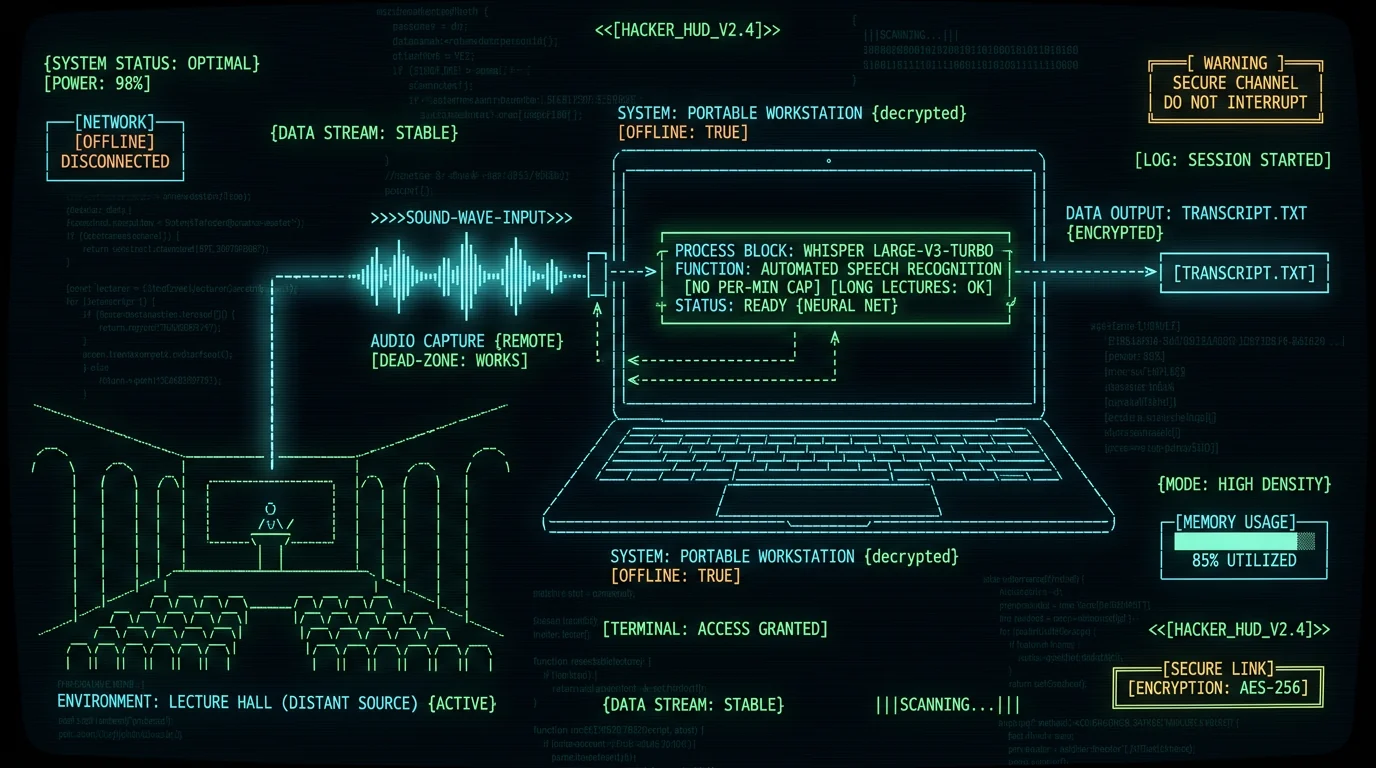
Which lecture transcription apps actually work on a MacBook?
- Local Whisper apps — run the model on the Neural Engine. No upload, no caps, no account. Best for privacy and long sessions.
- Built-in OS dictation — Apple Dictation. Free, but live-only and weaker accuracy.
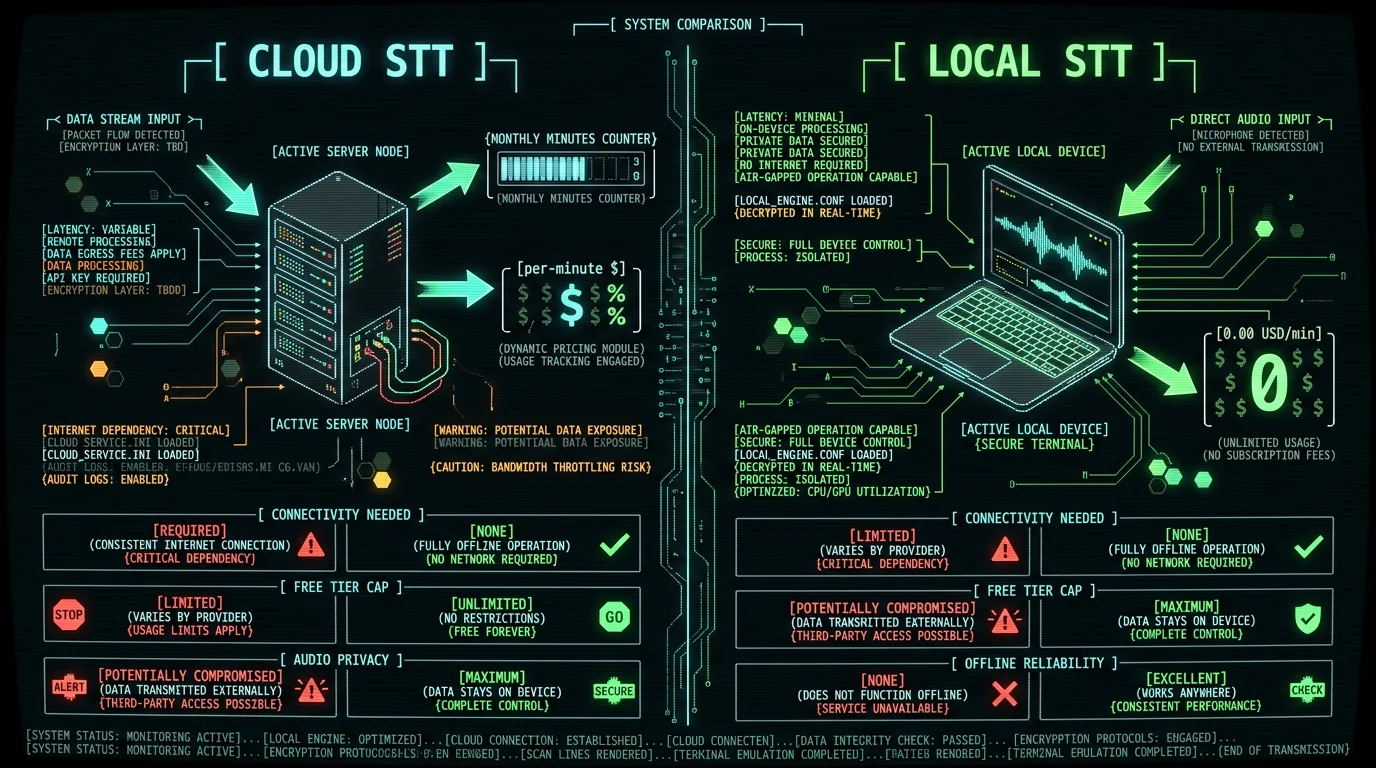
- Cloud STT with student plans — Otter and similar. Convenient, but bill by the minute and cap free tiers.
- Voice-to-text apps built for polish — Wispr Flow, SuperWhisper. Strong on rewriting, weaker on hour-long lectures.
Why lecture halls break most transcription apps
The 6 best lecture transcription apps for Mac in 2026
1. MetaWhisp — free unlimited local transcription
Best for: students who want zero per-minute cost and don't trust cloud services with their lectures.- Free tier: unlimited local transcription, no account, no time caps. Audio never leaves the Mac.
- Platform: macOS 14+ on Apple Silicon (M1 or later).
- Model: Whisper large-v3-turbo via WhisperKit, running on the Neural Engine. Model download ~950 MB.
- Languages: 99 with auto-detect.
- Trigger: global hotkey (default Right Option ⌥), auto-paste into any app.
- Pro: $30/year or $7.77/month. Adds built-in cloud transcription and removes the BYOK requirement for AI rewrite.
- AI post-processing: works on the free tier if you bring your own OpenAI or Cerebras API key. Only the transcript text goes to your API, never audio.
- Accuracy: 2.76% WER on LibriSpeech test-clean in our run (~97%). OpenAI publishes model-level WER figures for large-v3-turbo in the Whisper repo. MetaWhisp is macOS-only today.) and speaker labels only with your own Gemini or Deepgram key. Add one and a 4-panelist seminar comes back labelled; without a key you get one transcript and the mic/system split. See our on-device transcription page for the full feature list, and the pricing page for what each tier actually includes.
2. Apple Dictation — free and built-in, but limited
Best for: short in-class notes where live capture is enough and you don't need to transcribe recorded audio.- Price: free, bundled with macOS.
- Mode: real-time only. There is no "open this .m4a file and transcribe" button.
- Offline option: Enhanced Dictation downloads a model and works without Wi-Fi, but quality is limited compared to large-v3-turbo.
- Accuracy: roughly 11-14% WER in our 7-app head-to-head test on the same audio.
3. MacWhisper — local Whisper with file import
Best for: students comfortable with a desktop app who want local transcription without voice-to-text workflow features.- Platform: macOS, Apple Silicon optimized.
- Model: ships multiple Whisper sizes locally.
- Workflow: drag-and-drop audio/video files, get a transcript.
- Accuracy: ~3.5% WER in our head-to-head test on the same audio.
- Pricing: free tier with smaller models; paid tier with large models — verify the current numbers on the developer's pricing page before you buy.
4. SuperWhisper — local-first with a polished UI
Best for: users who want a refined voice-to-text experience on macOS and don't need a free tier.- Mode: local-first; falls back to cloud for some modes.
- Accuracy: ~3.5% WER in our head-to-head test.
- Pricing: per their current pricing page — check before you buy; we don't quote competitor prices we haven't reverified this week.
5. Wispr Flow — text polish is the real draw
Best for: anyone whose main pain isn't "transcribe audio" but "make my dictation read like I wrote it on a good day."- Strength: AI rewriting of dictated text. The output is unusually clean.
- Accuracy: ~3.5% WER on raw transcription in our test.
- Pricing: tiered subscription — verify on their pricing page.
6. Otter.ai — cloud collaboration for seminars and group projects
Best for: study groups where everyone needs the same transcript and you want speaker labels and a shareable link.- Mode: cloud-only. Audio is uploaded to Otter's servers.
- Speaker diarization: yes — Otter assigns speaker labels, which is genuinely useful for multi-voice seminars.
- Free tier: limited monthly minutes — check Otter's current pricing for the live numbers.
- Paid tiers: scale up the monthly minute cap and unlock more collaboration features.
Pro tip: If you do use Otter for a multi-speaker seminar, export the transcript as .txt or .vtt when you're done and re-import it into a local app for searching. You'll get the speaker labels and the privacy of having the file on disk afterward.
App Mode Free tier Best for MetaWhisp Local (Neural Engine) Unlimited Long lectures, no per-minute cost Apple Dictation Local (live only) Free, built-in Quick live notes MacWhisper Local Limited models File import workflows SuperWhisper Local + cloud fallback Limited Polished UI, paid users Wispr Flow Cloud (polish layer) Limited Polished short dictation Otter.ai Cloud Capped minutes Multi-speaker seminars How do you capture clean lecture audio when you can't sit in front?
Three moves help, in order of impact. First, get closer to the lecturer — even one row forward makes a big difference to your laptop mic. Second, use an external mic if your laptop allows it; an inexpensive lavalier clipped to your notebook facing the lecturer, or a small shotgun mic on your desk, will outperform the built-in array at distance. Third, use an audio recorder (your phone or a dedicated recorder) placed on the front row or near the lecturer if your instructor allows it, then transcribe the file locally on your Mac afterward — MetaWhisp imports .m4a, .wav, .mp3 directly. None of these fix every problem, but together they cut error rates meaningfully compared to relying on a 3-row-back laptop mic, and the transcripts are usable for studying rather than frustrating.If you can't move closer and can't bring an external mic, accept that you'll get a worse transcript and plan to spend more time cleaning it up afterward. There is no software fix for physics — a model can only transcribe what the mic captured.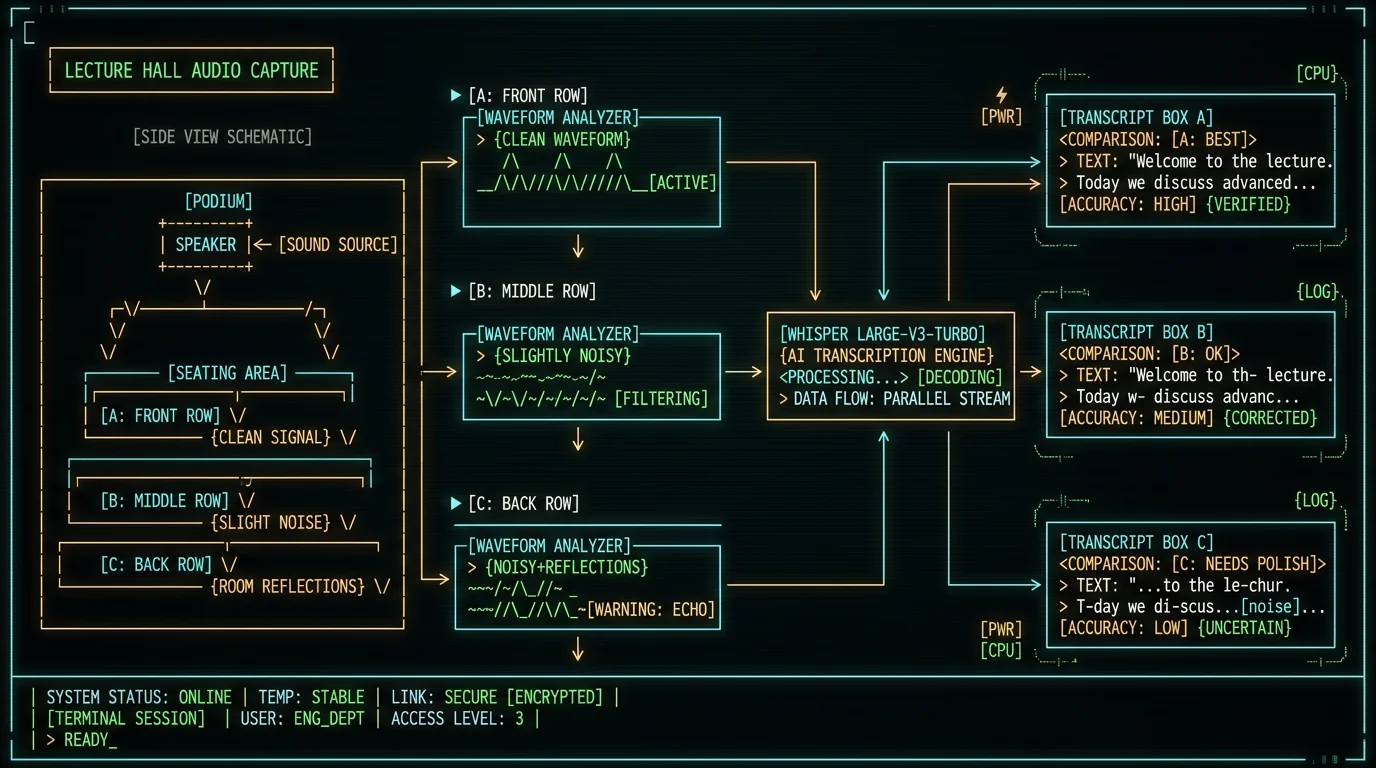
How do you transcribe a 90-minute lecture on a Mac without paying per minute?
Use a local Whisper app with no time cap. MetaWhisp's free tier has no per-minute billing because there's no server to bill — the model runs on the Neural Engine. You drop a 90-minute .m4a in, walk away, and come back to a transcript. The Mac gets warm but the bill is zero. MacWhisper offers similar local transcription on its paid tier. Cloud tools bill per minute or cap free tiers below a typical long lecture, so a single long lecture can eat most of your monthly free quota, and over a semester the costs add up fast.For a 15-week semester with two 90-minute lectures per week, that's 45 hours of audio. Cloud tools bill per minute, and over a semester the cost of a single long lecture class adds up. Local Whisper is free after the one-time ~950 MB model download.Pro tip: For long files, run transcription overnight or while you're in your next class — large-v3-turbo on an M-series Mac processes faster than realtime, so a 90-minute file finishes well before the lecture's own length runs out. The Mac fan will spin up; that's normal. Don't transcribe while on battery if you need to do anything else on the laptop.
Can any lecture transcription app handle multi-speaker seminars?
Not the local Whisper category yet, and that includes MetaWhisp. Whisper transcribes speech to text but does not separate "who said what" — that's speaker diarization, a separate pipeline, and none of the apps in our local roundup ship it. Otter does, which is the main reason we kept it on the list despite the per-minute billing. If your seminars are single-lecturer, this doesn't matter at all and local Whisper is the clear winner. If your seminars are panel discussions, Socratic Q&A with students firing questions at the lecturer, or group project recordings, you'll see real value in paying for a diarization-capable tool until the local options catch up.Speaker diarization for MetaWhisp is not currently shipped. We won't pretend it is. If your seminar has 4 voices, you'll get one transcript and you'll have to separate speakers yourself — which is the same limitation you'll hit on the other local Whisper apps in this roundup.Should you trust real-time captions during a live lecture?
For accessibility needs, yes — most modern OS-level captioning (macOS Live Captions, iOS Live Captions) is good enough to follow along. For taking reliable notes from, no. Real-time captioning trades accuracy for latency, and the latency-vs-accuracy tradeoff is harsh in noisy rooms where every missed word compounds. For a transcript you'll quote in a paper or use to study from, always record and transcribe after the fact. Real-time captions are a "don't miss what they just said" tool, not a "produce a study-quality transcript" tool.The other reason to record and transcribe after: you can re-listen to the parts the transcript got wrong. With real-time captions, the moment is gone, and so is the chance to catch what the lecturer mumbled over the projector fan.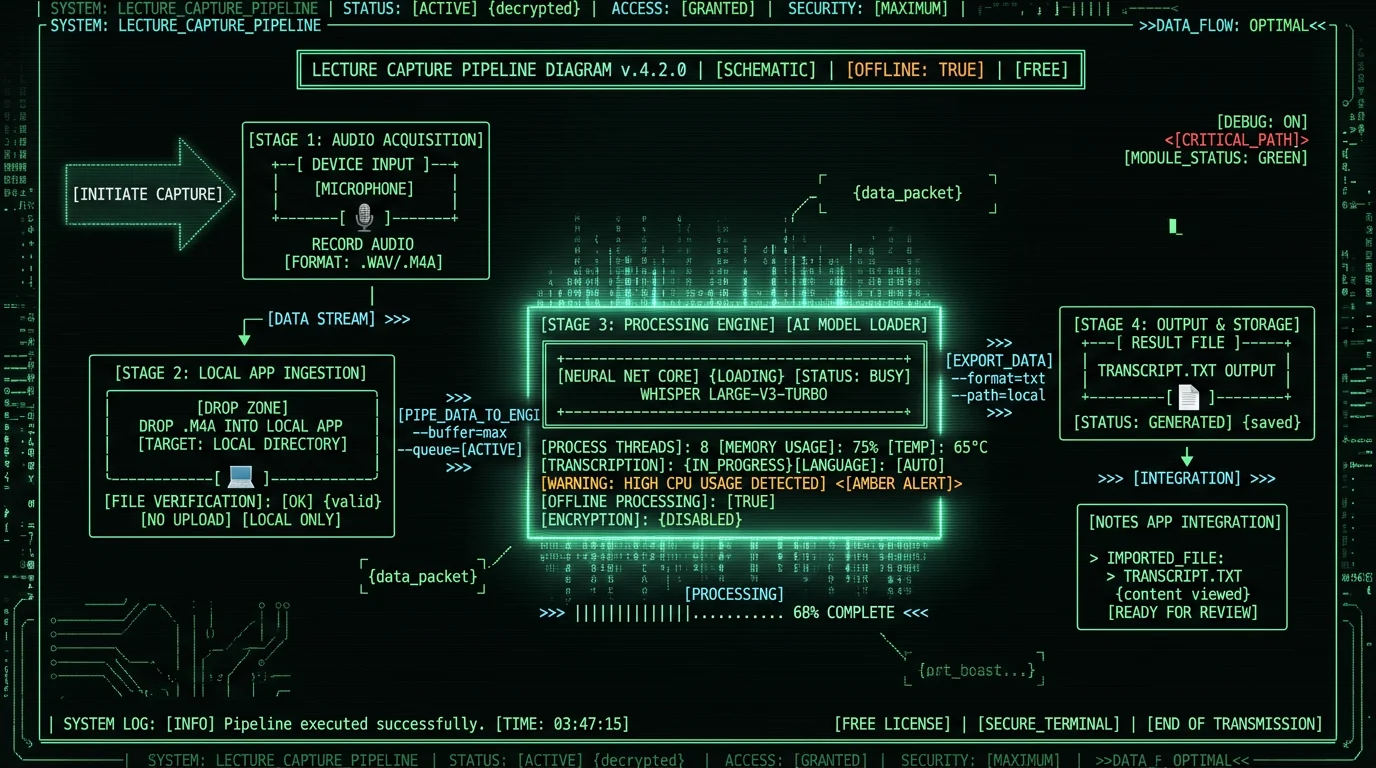
Lecture transcription app FAQ
❓Can my MacBook transcribe lectures without internet?
Yes, if you use an on-device app. MetaWhisp and MacWhisper both run Whisper large-v3-turbo locally on Apple Silicon. Audio never leaves the Mac and the model works on planes, in dead-zone halls, and on campus Wi-Fi that drops every five minutes. Apple's built-in Dictation also has an offline mode (Enhanced Dictation) but only works in real time and has noticeably weaker accuracy than the large Whisper models.
❓Is there a free lecture transcription app with no time limit?
MetaWhisp's free tier has no time cap on local transcription — no account, no monthly minute limit, no per-minute billing. MacWhisper also runs locally; check their current pricing page for tier details. Cloud tools like Otter cap free tiers on shorter sessions than a typical lecture and bill per minute beyond that, so a single long lecture can use most of your monthly quota.
❓What's the best app to transcribe a recorded lecture on Mac?
For accuracy-per-dollar on a recorded file, it's hard to beat a local Whisper app. MetaWhisp imports common audio formats directly and produces a transcript without uploading anything. If you already use Otter or a similar cloud tool and just want to convert a recording you made, those work too — you just pay per minute and your audio lives on a vendor server.
❓Do lecture transcription apps work for technical subjects like chemistry or law?
Honest answer: we don't have first-party benchmarks for chemistry, law, medicine, or any other domain-specific vocabulary. MetaWhisp's published WER is 2.76% on LibriSpeech test-clean — clean read English at close-mic distance. Real lectures with jargon will be worse, and we won't quote a number we haven't measured. If a tool claims "95% accurate for legal/medical lectures," ask them what audio corpus they used. You can improve jargon accuracy by adding custom vocabulary in some apps and by speaking clearly into the recording mic.
❓Can I get speaker labels for a seminar with multiple people talking?
On MetaWhisp, yes with your own key — Gemini or Deepgram since 1.3.27. Otter does offer speaker labels, which is why it remains in this roundup despite the per-minute billing. If your seminar has multiple speakers and you need labels, the current local Whisper category isn't the right tool; you'll want a cloud tool that does diarization or to wait for the feature to ship in your preferred local app.
❓How long does it take to transcribe a 90-minute lecture on a Mac?
On an M-series Mac running large-v3-turbo via WhisperKit, expect the transcription to run faster than realtime, so a 90-minute file finishes well before the lecture's own length. The Mac will get warm and the fan will spin up. M1 Air handles it; faster M-series chips complete the same file in less time. Cloud tools can be faster on paper but you're paying per minute and uploading audio.
---❓Is my lecture audio private if I use a local app?
On a local-only app like MetaWhisp, yes — audio never leaves your Mac. MetaWhisp has no telemetry, no analytics, and no account requirement. Cloud tools upload audio to vendor servers for processing, which is fine for non-sensitive lectures but worth knowing if your recording includes personally identifiable information about other students, protected health information in clinical settings, or anything covered by your institution's data policy.
Written by Andrew Dyuzhov — solo founder of MetaWhisp, a free on-device voice-to-text app for macOS. Andrew dictates daily in Russian and English, ran the 7-app head-to-head WER test mentioned above, and writes about voice-first workflows from the founder's seat.
Want to try the local transcription workflow described above? Download MetaWhisp free — no account, no time caps, audio never leaves your Mac. Pro is $30/year or $7.77/month if you want cloud transcription and built-in AI rewrite; see the full pricing page for what each tier includes.
Related reading
